Teardown Sandbox Guide: Tools, Mods, and Multiplayer
Explore Teardown sandbox with unlimited resources, destructive tools, custom maps, and multiplayer. Learn how to unlock levels and start experimenting now.
Jump to
What Can You Do in Sandbox Mode?
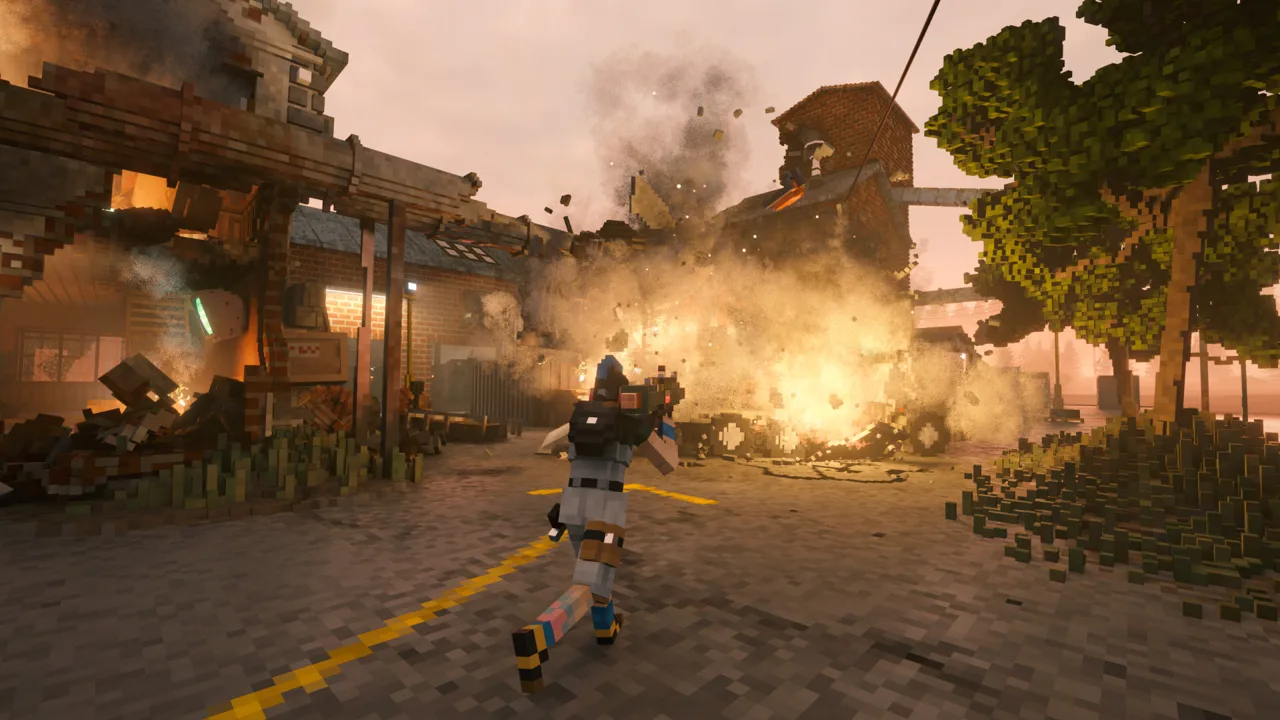
A wall becomes a doorway wherever you decide to swing. Teardown sandbox gives you destructible environments, unlimited resources, and room to experiment without mission objectives or a countdown. That freedom lets you learn the tools, build ridiculous contraptions, or spend an entire session dismantling a waterfront property.
You can explore maps, drive vehicles, spawn objects, and test how explosives, fire, and loose debris interact. A truck can become a battering ram, wooden planks can connect objects, and a carefully placed explosion can open a completely different route through a building.
The appeal comes from those interactions. Blowing a hole in a wall is satisfying; using that opening to drive a boat into a building creates another experiment entirely.
How to Access Maps and Unlock More Options
Select Sandbox from the main menu, then choose an available environment. Campaign progression opens additional maps and tools, giving you more places and equipment to experiment with as you complete jobs.
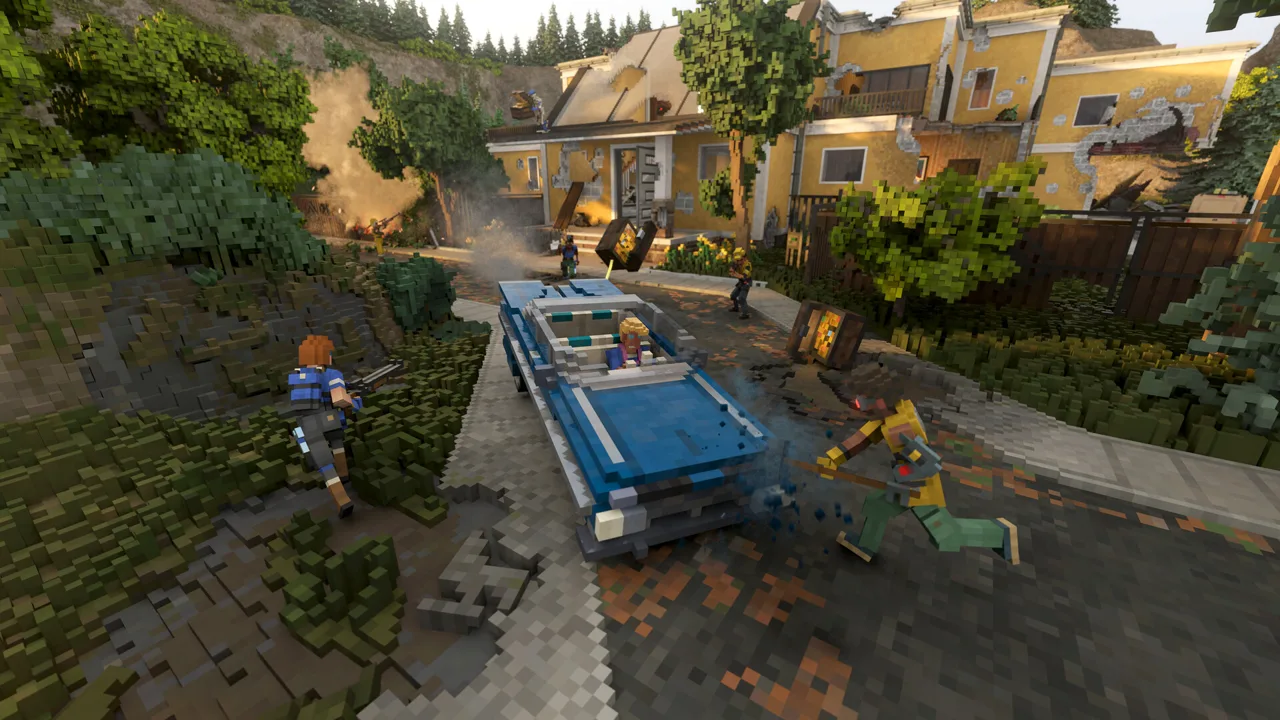 Image: Steam / Tuxedo Labs
If you want to explore freely without progressing through the story, use the game options to enable all levels in Sandbox. Check those options before following older advice that sends you through campaign missions solely to reach another environment.
Sandbox provides unlimited ammunition, so you can repeatedly use destructive tools without preserving rounds for an objective. That makes it useful for learning how much damage a tool does and which materials resist it.
Try this sequence when entering an unfamiliar map:
- Explore before demolishing. Locate vehicles, waterfront access, tall structures, and buildings with multiple floors.
- Test a few materials. Compare what your sledgehammer can break with what requires stronger equipment.
- Choose one experiment. Open a vehicle route, move a heavy object, or dismantle a structure.
- Change one part of the setup. Try another tool or attachment and compare the result.
Vehicle placement can differ between campaign missions and their sandbox counterparts. Explore the actual environment before planning around a truck or boat you remember from a story mission.
Learn What Each Tool Changes
The arsenal offers several ways to solve the same physical problem. Understanding those differences helps when a building refuses to fall or a heavy object barely moves.
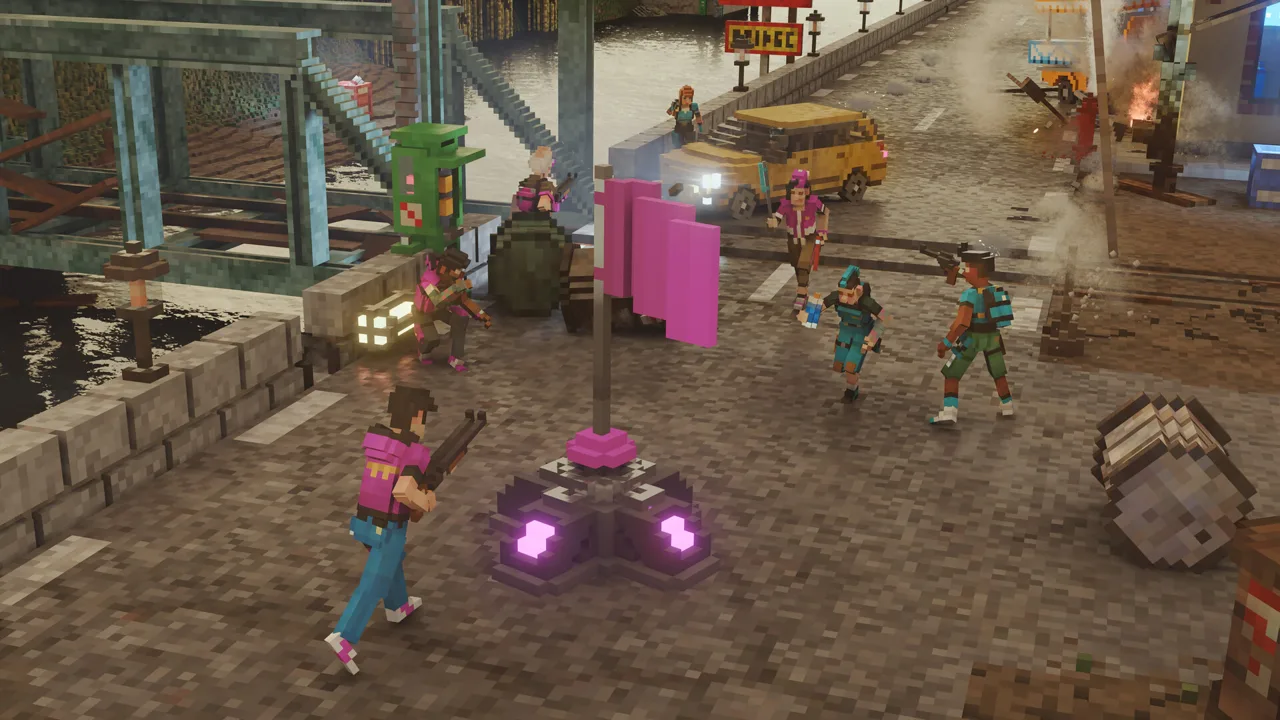 Image: Steam / Tuxedo Labs
Sledgehammer, Blowtorch, and Firearms
The sledgehammer handles basic demolition, while tougher materials require stronger tools. The blowtorch cuts metal, making it useful for separating connections without blasting everything nearby.
Firearms let you damage objects from a distance. The shotgun can clear openings, while the hunting rifle provides a zoomed view for more precise shots.
Test the material before committing to a demolition plan. If the hammer makes no useful progress, switch equipment instead of repeatedly striking the same spot.
Explosives and Fire
Pipe bombs, bombs, rockets, and nitroglycerin expand the scale of destruction. Placeable bombs give you control over blast locations, while rockets let you reach distant targets.
Propane tanks around the environment provide another explosive option. Position them near what you want to destroy, then step back before triggering the blast.
Fire adds a different kind of experiment because flammable materials can burn and spread the damage. Keep the extinguisher handy if you want to contain the blaze rather than lose the entire setup.
Planks, Wires, and Boosters
Planks can form ramps and bridges or bind objects together. Rocket boosters and vehicle thrusters introduce powered movement.
Build a simple ramp before attempting an elaborate contraption. Drive across it, check where the vehicle catches, and adjust the slope or opening before adding more components.
The spraycan also deserves attention. Mark a route through a damaged building or highlight a connection you still need to cut. Once rubble covers the floor, those marks help keep an experiment organized.
Experiments to Try on Different Maps
Give yourself a specific task when unrestricted destruction starts feeling aimless. The existing environments offer distinct layouts, vehicles, and objects to work with.
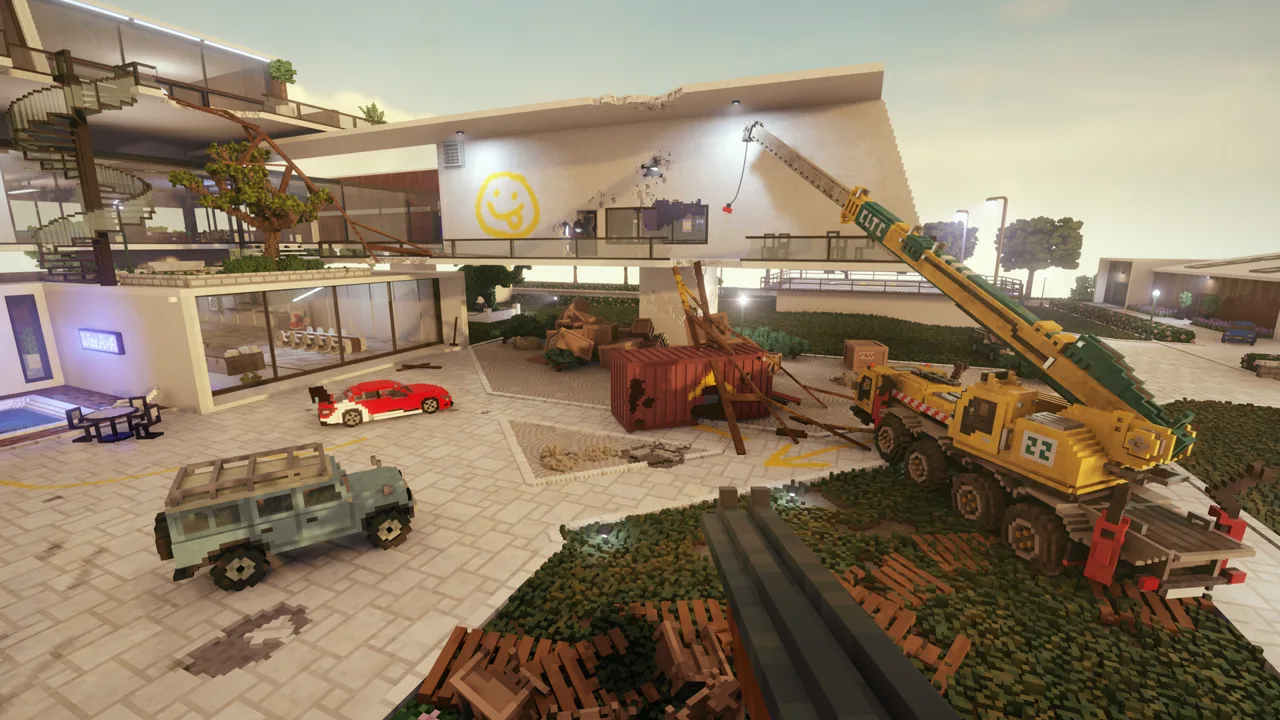 Image: Steam / Tuxedo Labs
Sink a Yacht at West Point Marina
West Point Marina gives you boats, docks, waterfront buildings, and a yacht to dismantle.
Try damaging the yacht with different tools, then use another boat to ram what remains. Compare the results of concentrated damage with spreading destruction across the vessel.
Build Shortcuts Through Villa Gordon
Use Villa Gordon to practice turning walls into shortcuts.
Choose two locations and create a direct route between them. Break through walls, bridge gaps with planks, and position a vehicle for the longer stretch. Run the route afterward to find awkward turns or openings that need widening.
Practice Vertical Routes on Hollowrock Island
Use planks on Hollowrock Island to practice creating ramps and connecting accessible rooftops. Try opening routes through floors to shorten the journey between levels.
Walk every ramp before relying on it. A bridge that looks connected can still leave an awkward step or jump at the end.
Test Vehicles at Löckelle Motor Park
Löckelle Motor Park is available as a free built-in mod, with an obstacle course and two monster trucks. Those trucks are also spawnable elsewhere in the game.
Use the course to experiment with jumps and vehicle damage, then take the trucks into another environment to see how their wheels and momentum interact with buildings and debris.
How Sandbox Practice Helps With the Campaign
The base campaign contains 40 missions. Many heists give you unlimited preparation time, followed by a default 60-second escape window once the alarm triggers. Sandbox removes that mission pressure, letting you learn the same tools at your own pace.
Campaign jobs include stealing objects, transporting heavy targets, demolishing structures, and dealing with security threats. Free play gives you space to practice the physical tasks behind those objectives.
Focus on these skills before tackling a difficult heist:
- Clear openings completely. Remove the fragments that catch your character or block a vehicle.
- Test transport setups. Attach a heavy object, drive a short distance, and check whether it stays connected.
- Place vehicles deliberately. Leave room to enter, exit, and turn.
- Practice elevation changes. Build ramps and rehearse jumps between floors or rooftops.
- Mark complicated routes. Use spray paint to reduce wrong turns after the alarm starts.
In campaign progression, completed objectives contribute to your score and tool unlocks. Hidden valuables provide cash for equipment upgrades. Search for valuables during preparation, then spend that money on the tools you actually use.
If the escape timer is the obstacle, accessibility options let you increase the available time. You can adjust the challenge while continuing to solve the route yourself.
Expand Your Options With Mods and Creative Mode
On PC, Teardown includes Steam Workshop integration, a level editor, and Lua scripting support. Community creations add maps, tools, vehicles, and entire game modes.
You can enjoy those additions without learning to build them. Choose content around an experiment you want to try: a different vehicle, a larger environment, or a tool that changes how you manipulate objects.
Add demanding mods gradually. Large fires can make a session sluggish. Start with a small selection so you can identify what changes the experience.
Building Your Own Objects
Creative mode lets you shape objects by placing and painting voxels inside the world.
Start with something manageable, such as a small structure or an object you want to test under impact. Then experiment with how it breaks.
The PC editor offers a more extensive route into custom maps and scripted gameplay. Included example mods give you existing projects to learn from and build upon.
PC and Console Mod Access
PC players have access to Steam Workshop content. PlayStation 5 and Xbox Series X|S versions use selected Mod Pack collections.
Choose the platform around the content you want to play. For browsing a broad library of community maps and tools, the PC version provides Workshop access. Console players can explore the available curated packs alongside the base game's environments and equipment.
The base game is available through the Teardown Steam page and the official Teardown website.
Play With Friends in Multiplayer
PC multiplayer supports up to 12 players in an online session, including the base campaign and Sandbox. You can create a private session or join a public lobby.
For free play, agree on an experiment before everyone starts demolishing the map. Split the work between moving vehicles, building connections, and preparing explosives. That gives a complicated setup time to come together before someone tests the detonator.
Multiplayer also includes Treasure Thieves, Deathmatch, Team Deathmatch, and Capture the Flag. Community mods expand the available combinations of maps, tools, vehicles, and rules, but use multiplayer-compatible creations for group sessions.
The August 18, 2026 update added multiplayer support to The Greenwash Gambit. Its four maps, anti-gravity crystals, and other distinctive objects offer additional ways to experiment together. Everyone joining a session for that DLC needs to own it.
Teardown Rally was announced on September 30, 2026 as a free multiplayer update in development, with quick races, tournaments, cups, 12 rally cars, and six monster trucks. Keep that upcoming content separate from the modes already available.
PC Requirements and Performance Settings
The November 3, 2026 update added NVIDIA DLSS and AMD FSR support. Find the options under Options → Graphics → Upscaling to adjust the balance between image quality and frame rate.
Upscaling renders at a lower resolution and reconstructs the output image. Try the available options on your hardware rather than expecting a fixed performance increase.
The PC hardware requirements are:
| Component | Minimum | Recommended |
|---|---|---|
| Operating system | 64-bit Windows 10 | 64-bit Windows 10 |
| Processor | Quad Core CPU | Intel Core i7 or better |
| Memory | 8 GB RAM | 8 GB RAM |
| Graphics | NVIDIA GeForce GTX 1060 or similar, 4 GB VRAM | NVIDIA GeForce GTX 1080 or similar, 4 GB VRAM |
| Storage | 12 GB available space | 12 GB available space |
Integrated graphics are not supported.
Large fires can reduce performance during destructive experiments. If a setup becomes sluggish, restart the map and try a smaller version of the same chain reaction. Test upscaling separately from changes to your mod selection so you can see which adjustment helps.
Continue with
 Teardown Maps: Campaign Locations and Custom WorldsExplore Teardown maps, from campaign locations to custom cities. Find out how to load Workshop levels, choose DLC worlds, and improve sandbox performance.
Continue exploring
Teardown Beginner Guide: Plan Heists and Escape Faster
Use this Teardown beginner guide to plan heists, build shortcuts, manage alarms, find valuables, and upgrade tools. Plan your next escape with confidence.
Teardown Multiplayer: Co-Op, Modes, Mods, and Setup
Teardown multiplayer supports up to 12 players. Explore co-op heists, competitive modes, compatible mods, console support, and tips for smoother play.
Join the community
Official channels for news, updates and player help: