Teardown Steam Workshop: Mods, Maps, and How to Play
Explore Teardown Steam Workshop mods, maps, and tools. Learn how to use the mod manager, check multiplayer support, and keep destruction running smoothly.
Jump to
How Teardown’s Workshop Mods Work
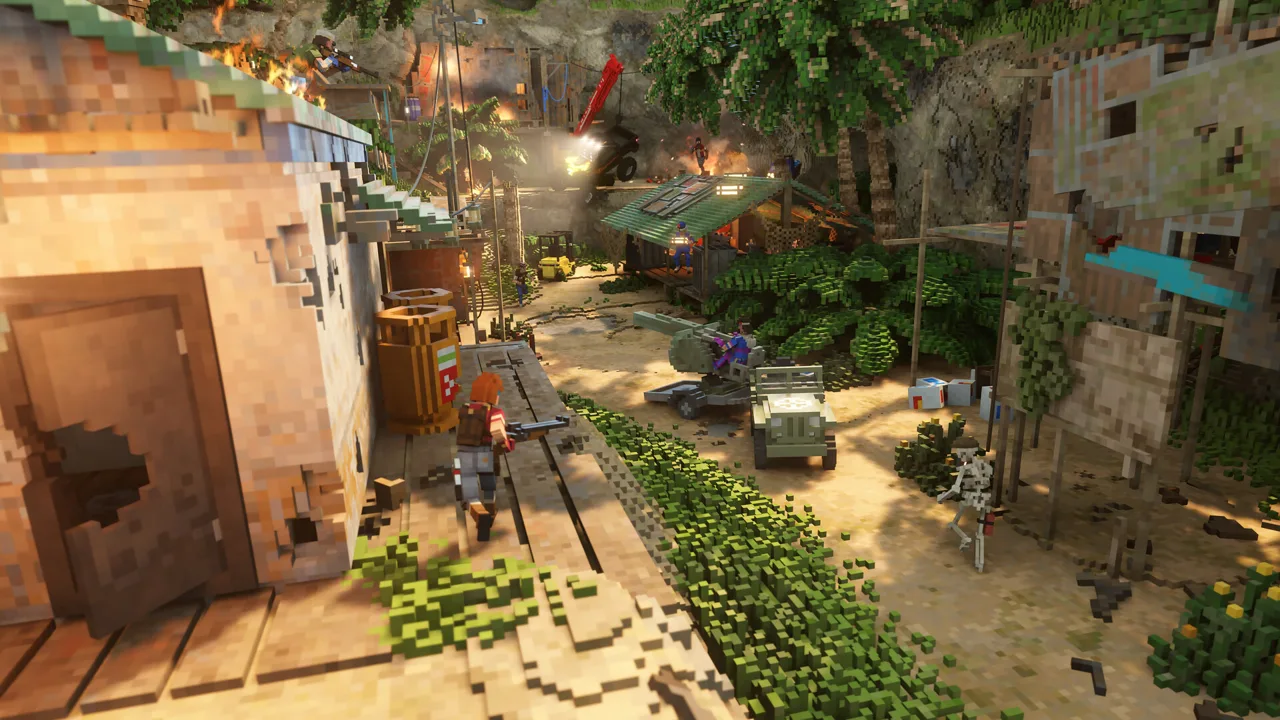
A new demolition tool gets more interesting when you have an entire city to test it on. Teardown Steam Workshop gives the PC game thousands of community-made maps, weapons, vehicles, and custom experiences. Understanding how those mods load helps you spend more time experimenting and less time wondering why a downloaded map hasn’t changed your campaign.
Teardown separates mods into two main types:
- Global mods affect gameplay while enabled, including the campaign, Sandbox, and other content mods. Custom tools and gameplay adjustments often work this way.
- Content mods are separate playable environments or experiences. Select one in the Mod Manager and click Play to launch it.
That distinction matters when combining downloads. A city map provides the environment; an enabled global tool mod supplies another way to dismantle it. Launching a content mod does not automatically add its environment to other levels.
Start with one environment and a small selection of tools. Add more after you understand what each mod changes.
Official page: Teardown (teardowngame.com)
Workshop Maps to Explore and Destroy
Different maps give your tools different problems to solve. A vehicle obstacle course, an office, and a giant mechanical walker each react to destruction in their own way.
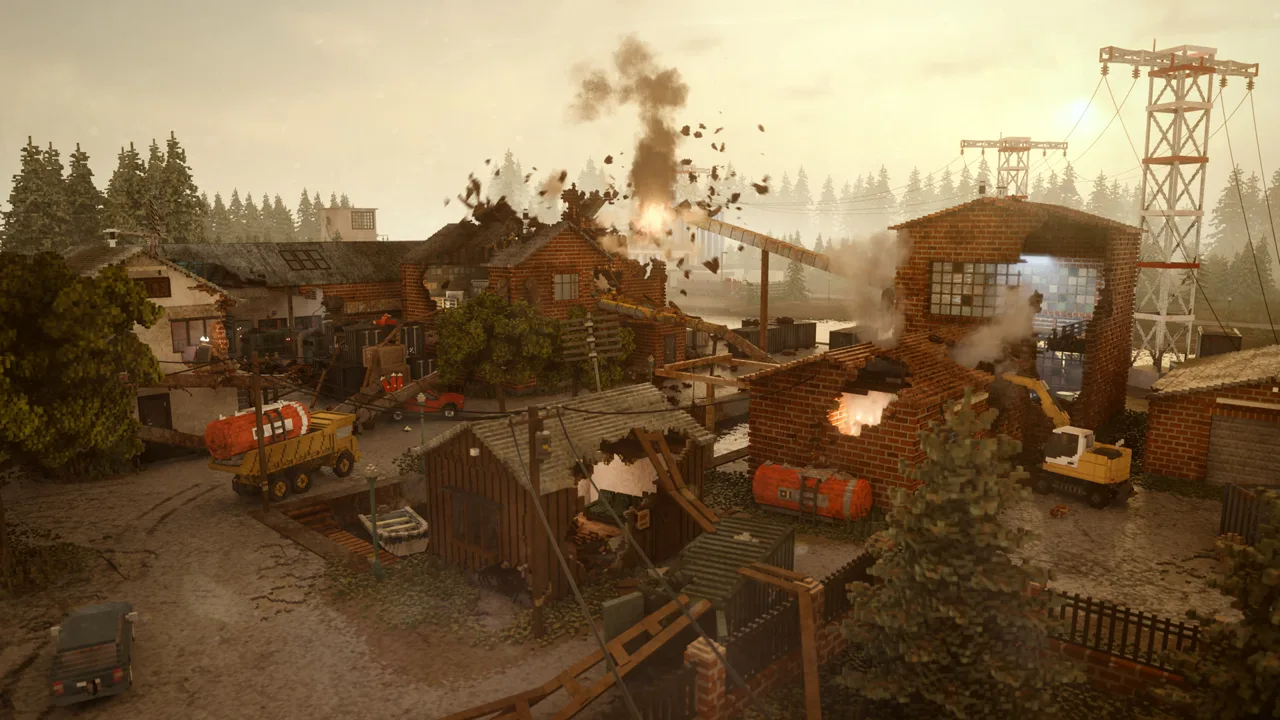 Image: Steam / Tuxedo Labs
Voxel Plaza
Voxel Plaza packs an urban environment with sizable buildings, a multistory parking structure, construction cranes, and vehicles. It gives you several scales of destruction to experiment with, from damaging individual rooms to toppling large structures.
Try cutting into the parking structure’s supports or bringing a crane down toward neighboring buildings. Use the same tool on different targets to compare how their shapes and connections affect the aftermath.
TearNG
TearNG takes inspiration from BeamNG.drive and builds a playground around vehicle damage. Ramps, stunt obstacles, and oversized hammers turn cars into the objects being demolished.
Drive a vehicle through an obstacle, inspect the damage, then try another route. The appeal comes from watching different impacts tear apart the same basic machine.
Dynamic AT-AT Map
Dynamic AT-AT Map contains three fully dynamic ragdoll walkers from Star Wars. Their enormous bodies and articulated legs make them very different targets from a stationary building.
Climb inside, place explosives, or attack their legs to experiment with how the walkers fall.
TRAINS!
TRAINS! centers on a train traveling around a looping track. The route includes a tunnel, corners, and a wooden bridge, giving you several places to interfere with its journey.
Drive the train, investigate the track, or experiment with the bridge’s flammable construction. Its focused layout makes it easy to build an experiment around a single moving target.
A Business Center
A Business Center offers a large, detailed office environment and more than 60 spawnable assets.
Explore the environment and try its spawnable assets before bringing out large explosives.
Russian Town 5 Winter
Russian Town 5 Winter features a snowy town with vehicles to drive and operate.
Boeing 737 Full Version
Boeing 737 Full Version includes aircraft scenarios with details such as spinning engine components, overhead luggage compartments, and oxygen masks. Its confined cabin changes how familiar tools feel compared with an open city map.
The aircraft is not a replica and does not represent a realistic Boeing 737.
Tools That Change Your Sandbox Experiments
Weapon mods can increase destructive power, but movement tools, object manipulation, and time controls create just as many possibilities.
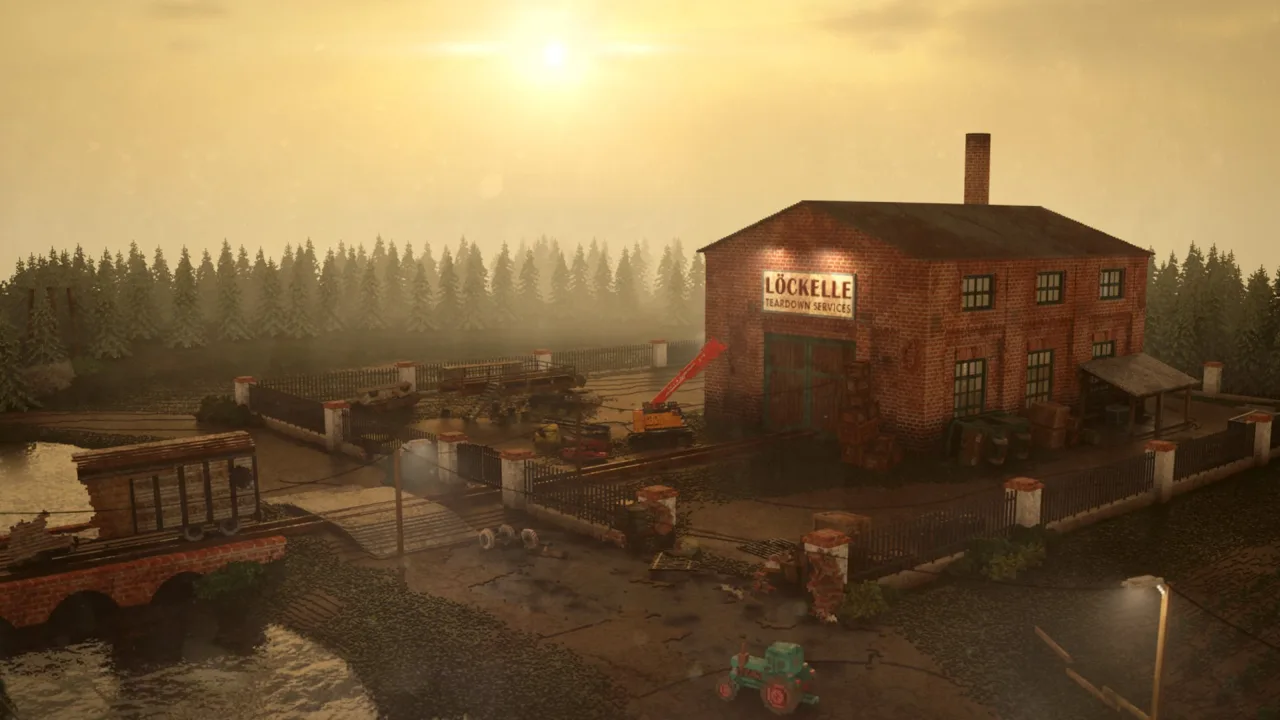 Image: teardowngame.com
Better Slow Motion
Better Slow Motion adds toggle-based slow motion and lets you adjust the slowdown with the mouse wheel.
Use it to follow the sequence of a collapse: the initial damage, the separation of a large section, and the impacts that follow. The toggle also frees you from holding a slow-motion button throughout an experiment.
Portal Gun
Portal Gun places linked portals so you can move between separate points in the environment. Its controls include:
- Left mouse button: Place the blue portal.
- Right mouse button: Place the orange portal.
- Interact: Pick up or release an object.
- R: Remove the portals.
The mod includes rendering options because its effects can be demanding. Adjust those options when experimenting in a detailed environment.
Physics Gun
Physics Gun lets you pick up heavy objects, freeze them, and throw them. The mouse wheel changes how close or far away a held object sits.
Use those controls to position props for an experiment before releasing them. Moving and suspending objects opens up possibilities that ordinary demolition tools cannot provide.
Lightsaber
Lightsaber gives you a glowing cutting weapon that slices and scorches its surroundings. It offers a more deliberate way to dismantle objects than covering a target with explosions.
Pair it with Dynamic AT-AT Map for a Star Wars-themed destruction session, or use it to cut through individual sections of an urban environment.
Dual Miniguns and MEGAGUN
Dual Miniguns combines rapid destruction with recoil strong enough to propel you backward. Firing becomes both an attack and a movement mechanic.
MEGAGUN adds another approach to sustained fire, with multiple ammunition types that include mini-nuke rounds. Try its ammunition options separately so you can see how each changes the target.
Spells
Spells adds 15 spells and supports equipping magic in both hands.
Experiment with different spell combinations on a familiar map. Keeping the environment consistent makes the differences between effects easier to see.
Meteor Strike and Asteroid Strike
Meteor Strike sends an impact toward the location you target. It can carve through buildings and leave a clear path through the damaged structure.
Direct an impact at a single target before trying repeated strikes.
Custom Experiences Beyond Freeform Demolition
Workshop content also includes campaigns and game modes with their own objectives.
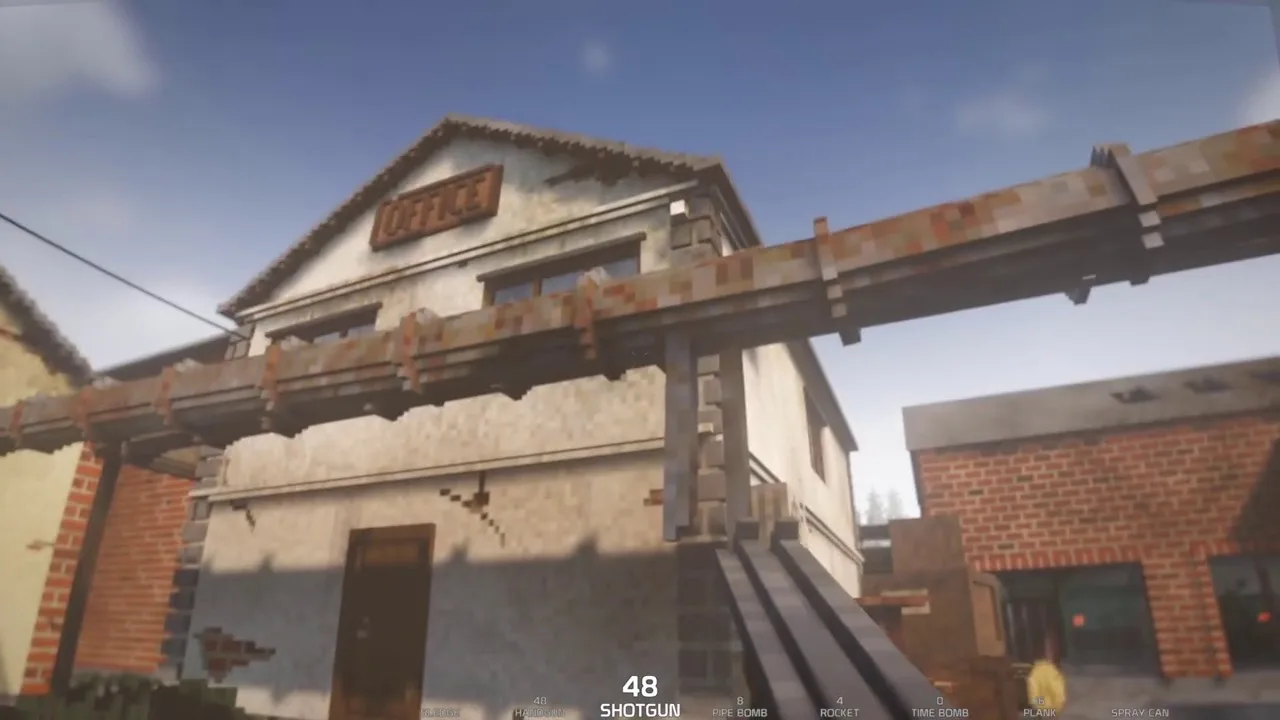
AGGRESSION places you in an abandoned city with robotic soldiers and infected enemies. Its missions give your destruction a combat objective.
Grand Tear Auto adds traffic and a wanted system to an open-world sandbox. Those systems make the city react to your actions beyond the immediate physical damage.
FireFighter Simulator turns fire suppression into a scored activity, including how quickly you arrive and extinguish the fire. The separate Fire Fighter tool supplies a fire hose for other experiments.
Creeper Facility fills a facility with Minecraft-inspired creatures. Exploring its corridors offers a different pace from immediately leveling everything in sight.
Read each content mod’s launch instructions before loading it.
Playing Community Mods in Multiplayer
Teardown now has built-in online multiplayer, including community content designed for it. You can play the base campaign cooperatively, experiment in Sandbox, or join competitive modes.
| Multiplayer feature | What you can play |
|---|---|
| Session size | Up to 12 players |
| Base campaign | 40 missions playable cooperatively |
| Sandbox | Freeform destruction with unlimited resources |
| Competitive modes | Treasure Thieves, Deathmatch, Team Deathmatch, and Capture the Flag |
Choose multiplayer-compatible maps, tools, vehicles, and game modes for shared sessions. Multiplayer support belongs to the individual mod; a single-player download does not become compatible simply because the base game supports online play.
Keep framework requirements separate, too. Armed Vehicle Framework (AVF) AI Expansion explicitly supports AVF and does not work with TABS. Match an expansion to the framework it requires before combining vehicle packs.
Managing Performance During Heavy Destruction
Teardown’s November 3, 2026 update added NVIDIA DLSS and AMD FSR. You can find the available upscaling settings under Options → Graphics → Upscaling.
Upscaling renders at a lower resolution and reconstructs the image at your chosen output resolution. Try the available settings to balance image quality and frame rate on your hardware.
Mod settings also matter:
- Portal Gun includes rendering controls for its demanding visual effects.
- Performance Mod v3.1 attempts to improve performance when large objects are destroyed.
Follow a map’s required-item instructions before loading it. For demanding experiments, begin with fewer spawned objects and increase the scale gradually.
Keep debris cleanup in mind when arranging a scene. Removing fragments changes the wreckage you are trying to inspect, so choose cleanup settings around the experiment you want to run.
Creating Your Own Mods
Teardown includes a level editor, Lua scripting, and built-in example mods. You can build custom environments, add tools, export spawnable assets, and create your own game modes.
To explore an existing built-in example, select it in the Mod Manager and choose Make local copy. The editable copy goes into Documents/Teardown/mods.
A mod’s files serve different purposes:
- info.txt contains its name, author, description, and optional Workshop tags.
- main.xml contains the level data for a content mod.
- main.lua runs scripts while the mod is active.
- options.lua contains mod options.
- preview.jpg provides the thumbnail required for Workshop publishing.
Select a local content mod and click Edit to open its level in the editor. Use the editor’s built-in Help menu and property tooltips while learning its objects and settings.
For voxel modeling, material assignment depends on palette position rather than an object’s visible color. A surface painted to resemble metal can still behave like wood if its voxels use the wood material indices.
Build walls and floors as separate, thinner objects instead of one large hollow model. Connect voxels along their faces; pieces touching only at corners or edges will not stay joined when they become dynamic.
When your mod is ready, select it under Local Files in the Mod Manager and click Publish. The initial upload creates an id.txt file that identifies the Workshop item. Keep that file with the project so later changes update the same item through Publish update.
Continue with
 Teardown How To Add Mods Non Steam: PC And Console GuideTeardown how to add mods non steam: explore console Mod Browser options, free Mod Packs, and PC modding tools for custom maps, vehicles, tools, and modes.
More in Mods
See all Mods
Continue exploring
Join the community
Official channels for news, updates and player help: