Teardown Mods: Maps, Tools, and Console Packs Guide
Explore Teardown mods with destructive maps, powerful tools, console Mod Packs, multiplayer support, and practical tips for smoother sandbox experiments.
Jump to
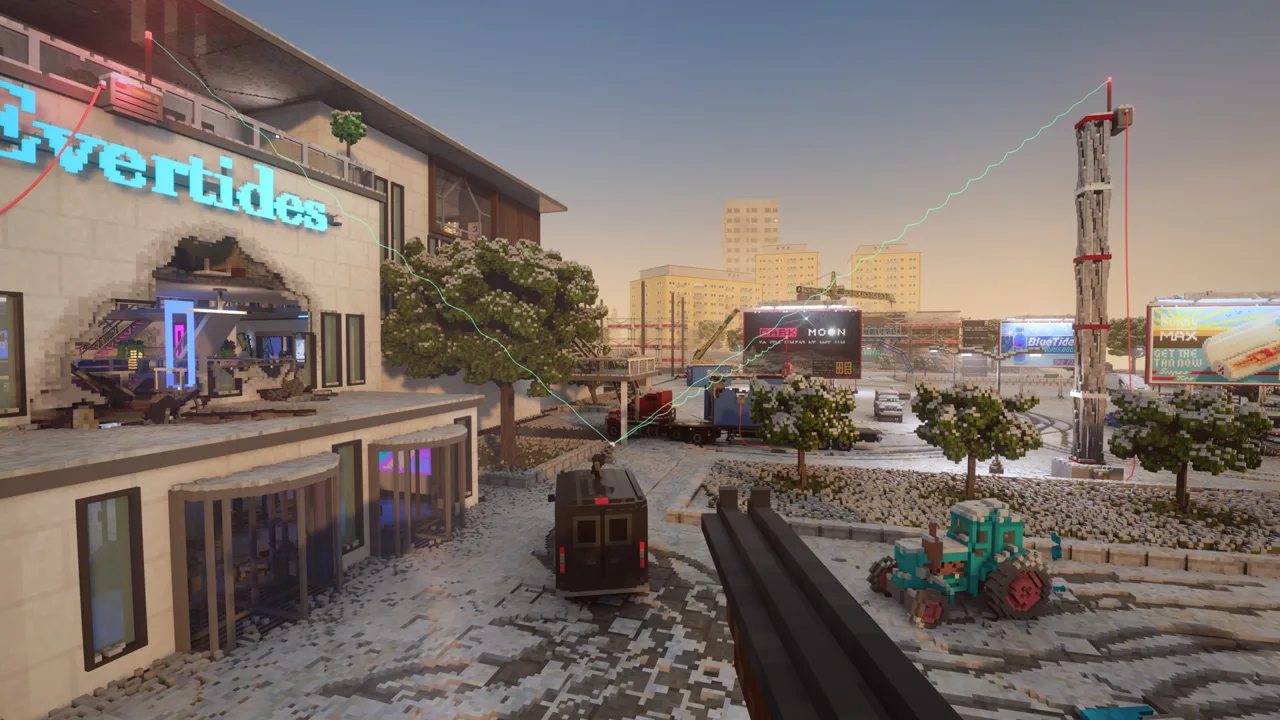
What Can You Add to Teardown?
A meteor can punch through a building, but a looping train track gives you a moving target. Teardown mods expand your sandbox with custom maps, weapons, vehicles, characters, and entire game modes. Choosing a few that work together gives you more ways to experiment—and more reasons to reload a perfectly intact map.
On PC, Steam Workshop integration gives you access to thousands of community creations. Console players get selected creations through curated Mod Packs on PlayStation 5 and Xbox Series X|S.
The main distinction to understand is between a map you launch and a tool or global modification you enable. A custom train map supplies the playground; a weapon adds another way to interact with it. Read each mod’s controls and options before loading several together.
Destruction Tools: Miniguns, Meteors, and Lightsabers
Weapons change the scale and shape of demolition. A cutting tool lets you work across individual surfaces, while an impact from above can tear through several floors at once.
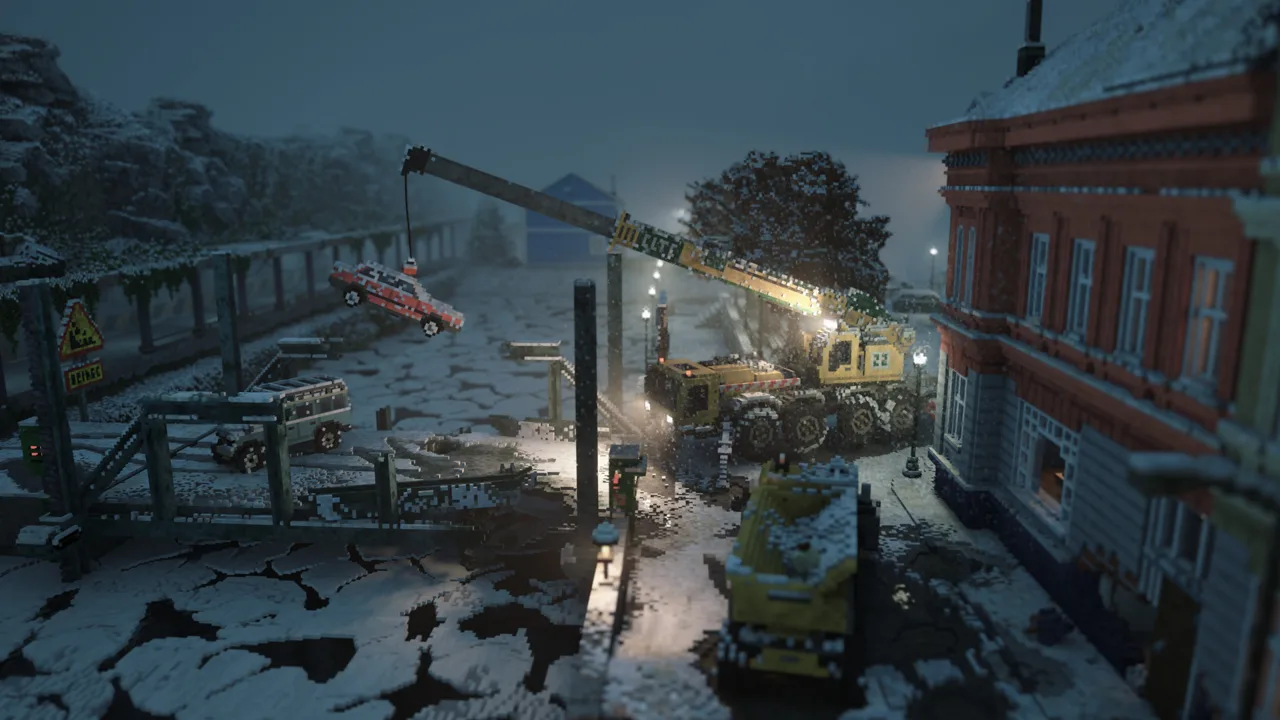 Image: Steam / Tuxedo Labs
| Tool | What it adds |
|---|---|
| Dual Miniguns | Two rapid-fire weapons with recoil strong enough to propel the player backward |
| MEGAGUN | A powerful minigun with multiple ammunition types, including mini-nuke rounds |
| Railgun | A charged shot that penetrates successive obstacles |
| Lightsaber | A glowing melee weapon that burns through materials |
| Meteor tool | A targeted impact from the sky that leaves craters or openings through buildings |
| Spells | A selection of magical attacks, with a spell equipped in each hand |
Dual Miniguns and MEGAGUN
Dual Miniguns turn recoil into part of the spectacle. Sustained fire damages the scenery while pushing you in the opposite direction, so your position changes along with your target.
MEGAGUN adds another variable through its ammunition selection. Try different rounds against the same intact structure to compare the results. Mini-nuke ammunition substantially increases the destructive scale, so leave room around your target.
Railgun and Lightsaber
The Railgun charges before firing through objects along its path. Line up several walls to give the shot something to penetrate, then inspect the opening from the side.
The Lightsaber brings destruction within arm’s reach. Its glowing blade and burning cuts create a different rhythm from explosives: swing across a surface, move around it, and see how much material remains connected.
Meteors and Spells
Meteor tools make the point of impact the center of the experiment. Small targets can disappear into a crater, while larger buildings can retain a visible passage through the damaged structure.
Spells add variety through attacks involving elements such as fire, ice, earth, and air. Equip different spells in each hand to explore their effects without repeatedly switching tools.
Custom Maps: Cities, Trains, and Crash Playgrounds
A new environment can change your session as much as a new weapon. These maps provide distinct layouts and objects to experiment with.
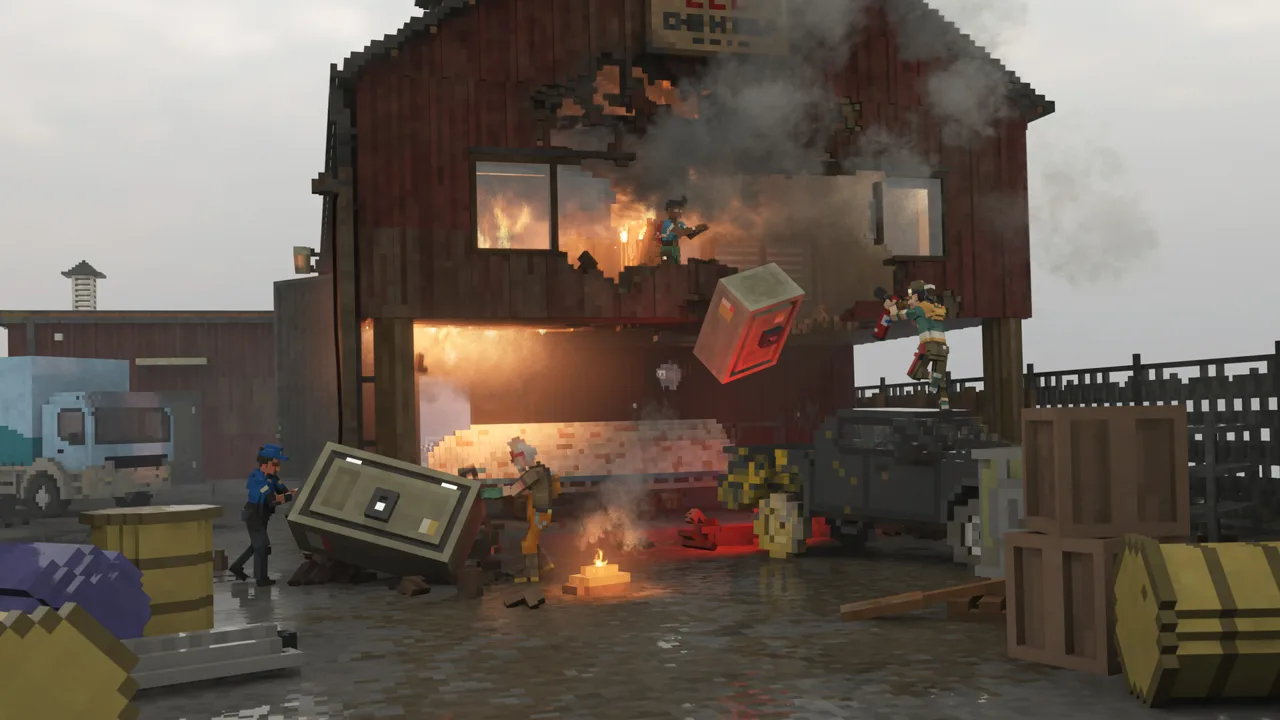 Image: Steam / Tuxedo Labs
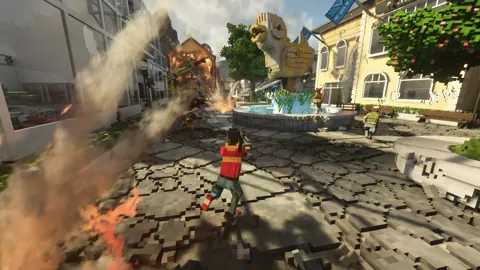
Voxel Plaza
Voxel Plaza contains sizable buildings, a multistory parking garage, and tall cranes. That combination gives you several connected demolition experiments within one urban setting.
Try toppling a crane into neighboring buildings, then reload and work on the parking garage’s supports. Change one part of the setup between attempts so you can follow what caused the next collapse.
TearNG
TearNG takes inspiration from BeamNG.drive and fills its vehicle playground with ramps, stunt obstacles, and oversized hammers.
Here, the environment becomes the destructive tool. Drive a vehicle through an obstacle, inspect the damage, and repeat with a different approach angle. The appeal comes from watching the car absorb the impact rather than simply clearing buildings around it.
TRAINS!
TRAINS! centers on a drivable train traveling around a looping track. Its route includes a tunnel, corners, and a wooden bridge.
The repeated route gives you another chance to time an experiment each lap. Place an obstacle, watch the train reach it, and inspect the aftermath. For a fire experiment, focus on the wooden bridge and follow how the damage develops before the train returns.
Dynamic AT-AT Map
The Dynamic AT-AT Map brings the towering Star Wars walkers into a destructible playground. You can climb inside them, use explosives, or attack their legs.
Work on one leg at a time to watch the walker’s response. The scale makes even a localized cut worth stepping back to observe.
Boeing 737
Boeing 737 includes multiple scenarios, including an aircraft in flight. Its enclosed cabin creates a much tighter space for experimenting than an open city map.
The airborne scenario includes effects that pull loose objects and the player through open exits. Inspect the cabin before making large cuts, then experiment with separate sections of the aircraft to see how the mod handles damage.
Miniature Worlds
Miniature Worlds changes the relationship between the player and the scenery. Buildings form a tiny world, while surrounding objects make the scale difference obvious.
Try individual cuts before using a large area attack. Small changes are easier to follow when an entire building occupies only a fraction of your view.
Art Vandals and Löckelle Motor Park
For additional structured content, Art Vandals offers a free mini campaign with five heist missions in Tilläggaryd. It introduces the Paperboy Gun and Jackhammer.
Löckelle Motor Park is a built-in mod available free to everyone. It includes an obstacle course and two monster trucks, and both trucks can also be spawned elsewhere in the game.
Slow Motion, Cameras, Flight, and Cleanup
Utility tools give you more control over how you explore and watch destruction.
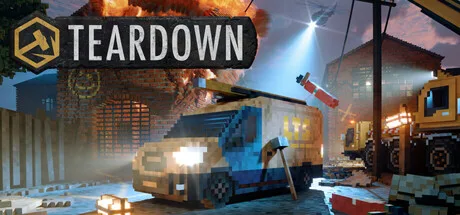 Image: Steam / Tuxedo Labs
Better Slow Motion makes slowed time a toggle and lets you adjust its speed with the mouse wheel. Trigger a collapse, slow the action, and move around it to follow pieces that would otherwise fall out of view immediately.
Functional Cameras lets you place multiple cameras, adjust their views, and zoom. Set up your angles before starting an experiment so you can watch more than the impact point.
Precision Flight provides free movement across maps. Use it to inspect rooftops, reach an elevated viewpoint, or examine damage from outside a structure.
EasyCleaner removes wreckage. Clear accumulated debris between experiments when you want to keep using the remaining map.
These tools serve different purposes. Slow motion controls the pace, cameras control the view, flight controls your position, and cleanup removes the remains. Keep their controls accessible when combining them with destructive weapons.
Console Mod Packs: What Packs 5 and 6 Add
Mod Pack #5 brings 30 community creations to PS5 and Xbox Series X|S. Its selection includes maps, tools, vehicles, ragdolls, and utilities.
Some of its contents include:
- Maps: Arson Bridge, French Town 2, Northbridge Industries, Siberia, Vida Hospital, and Vintessa Hills.
- Tools and controls: Guided Missile, Functional Cameras, Precision Flight, Remote Control, and Light Controller.
- Vehicles and objects: Futuristic Vehicle pack, Vanilla Cars Remastered, NGNT’s Prop Pack, and SS Lockelle.
- Characters and ragdolls: Responsive Ragdoll, Dutch Emergency Ragdolls, and German Emergency Ragdolls.
- Additional effects and utilities: EasyCleaner, ThiccSmoke & ThiccFire, and Impact Based Structural Integrity Test.
Xbox players can get Mod Pack #5.
Mod Pack 6 arrived alongside the console multiplayer update on September 15, 2026. It adds 30 multiplayer-friendly mods, including Battle Royale, Vehicle Sumo, and Prop Hunt. The same release also brought multiplayer updates to more than 40 mods from Packs 1–4.
Choose a pack around the activity you want to play: vehicle experiments, new environments, cinematic tools, or a multiplayer game mode. Console packs provide a specific selection rather than access to the full PC Workshop library.
Playing Community Content in Multiplayer
Teardown supports online sessions with up to 12 players. You can play the base campaign cooperatively, experiment in Sandbox, or use multiplayer-compatible community content.
Compatibility matters when choosing older creations. Select mods marked for multiplayer when building a session around custom maps, vehicles, tools, or game modes. A familiar single-player download should not be your only compatibility check.
The multiplayer update also adds two official maps:
- Splitfield Estate, featuring Treasure Thieves.
- Cratertown, designed with a mirrored layout for team modes.
For competitive sessions, the available modes include Deathmatch, Team Deathmatch, and Capture the Flag. On consoles, Pack 6 expands those choices with activities such as Prop Hunt and Vehicle Sumo.
The Greenwash Gambit also supports multiplayer following its August 18, 2026 update. Its full campaign supports up to 12 players, with 2–4 recommended for the experience. Everyone joining that DLC session needs to own it.
Keeping Heavy Destruction Running Smoothly
The November 3, 2026 update added NVIDIA DLSS and AMD FSR support. Find these settings under Options → Graphics → Upscaling and compare the available choices for image quality and frame rate on your hardware.
Upscaling reduces the resolution used to render the image before reconstructing it at your selected output resolution. It helps with rendering performance, while large destruction experiments can also involve substantial amounts of moving debris and scripted activity.
Keep the experiment manageable:
- Start with one major effect. Trigger one meteor impact or tornado before adding another.
- Remove accumulated wreckage. Use EasyCleaner when debris begins overwhelming the scene.
- Test demanding combinations separately. Try a weapon on an intact map before adding more global effects.
- Scale back the scene when needed. Reduce simultaneous impacts, moving vehicles, or spawned objects.
Heavy modded destruction can cause lag or crashes. If a new combination becomes unstable, disable the recent additions and rebuild the setup one mod at a time.
Creating Your Own Maps, Tools, and Characters
The PC version includes the same editor used by the developers, with support for custom maps, vehicles, tools, and game modes. Lua scripting lets you add behavior beyond a static destructible scene.
Open the mod creation workflow from the main menu and begin with the included example mods. Modify a small example before attempting a large map so you can understand how its objects and scripts fit together.
Character modding also supports custom playable characters. The version 1.6 Character Update introduced third-person play and made animation capabilities available through the Modding API.
Build around one clear interaction: a vehicle obstacle, a tool with a distinct effect, or a compact heist route. Test that interaction in the editor, then expand the environment around it.
Continue with
 Teardown Steam Workshop: Mods, Maps, and How to PlayExplore Teardown Steam Workshop mods, maps, and tools. Learn how to use the mod manager, check multiplayer support, and keep destruction running smoothly.
More in Mods
See all Mods
Continue exploring
Teardown Maps: Campaign Locations and Custom Worlds
Explore Teardown maps, from campaign locations to custom cities. Find out how to load Workshop levels, choose DLC worlds, and improve sandbox performance.
Teardown Unlocks Guide: Tools, Characters, and Extras
Use this Teardown unlocks guide to earn tools, upgrade your gear, unlock characters, and find free extras, DLC content, and rewards worth working toward.
Join the community
Official channels for news, updates and player help: